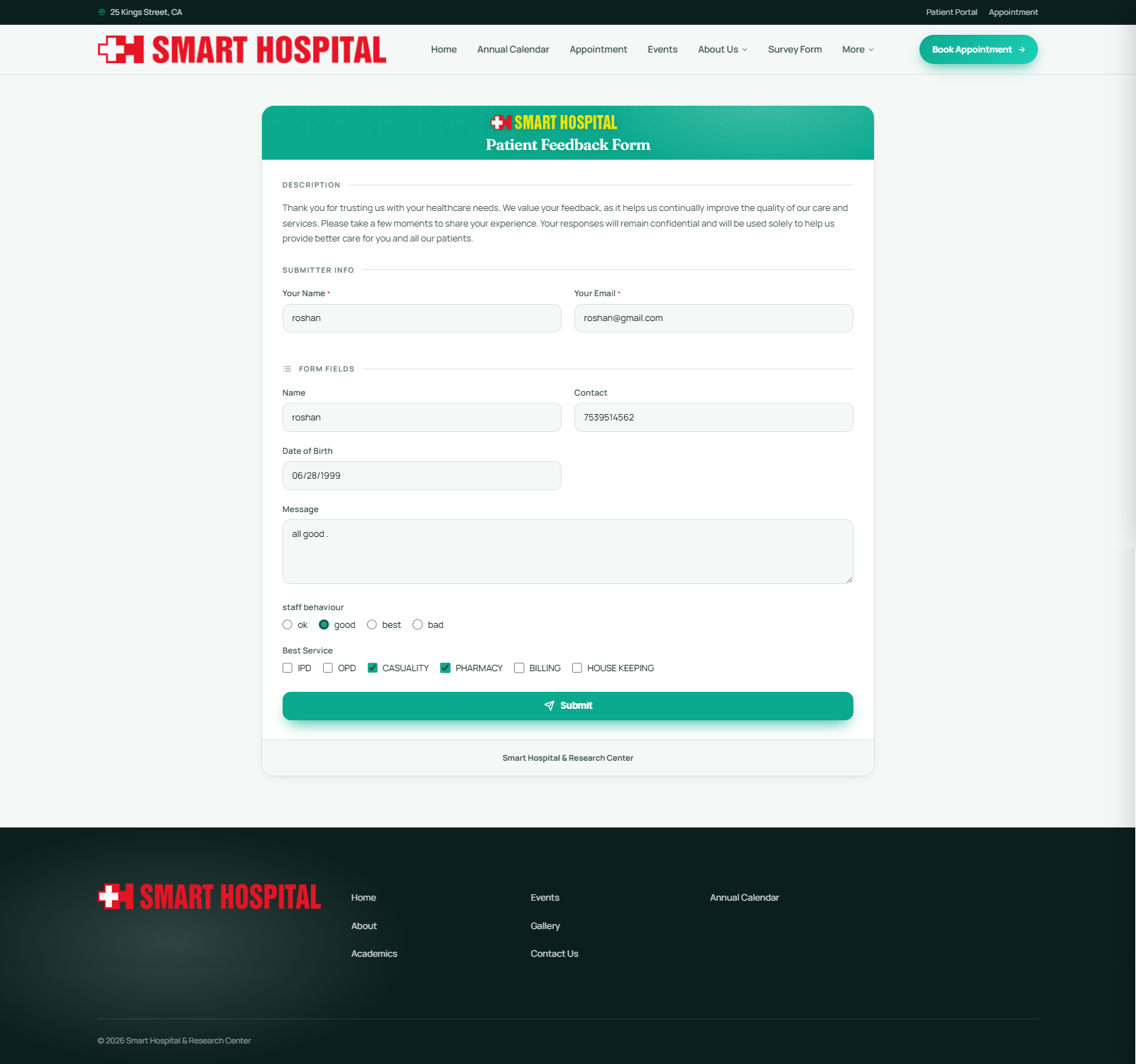
Where a published form shows up depends on which Target Audience it was assigned to when it was created. The same form can appear in up to three different places at once.
Staff
A staff member sees any form assigned to the Staff audience under Survey Forms → My Survey Forms in their own sidebar, with a red badge showing how many are still pending.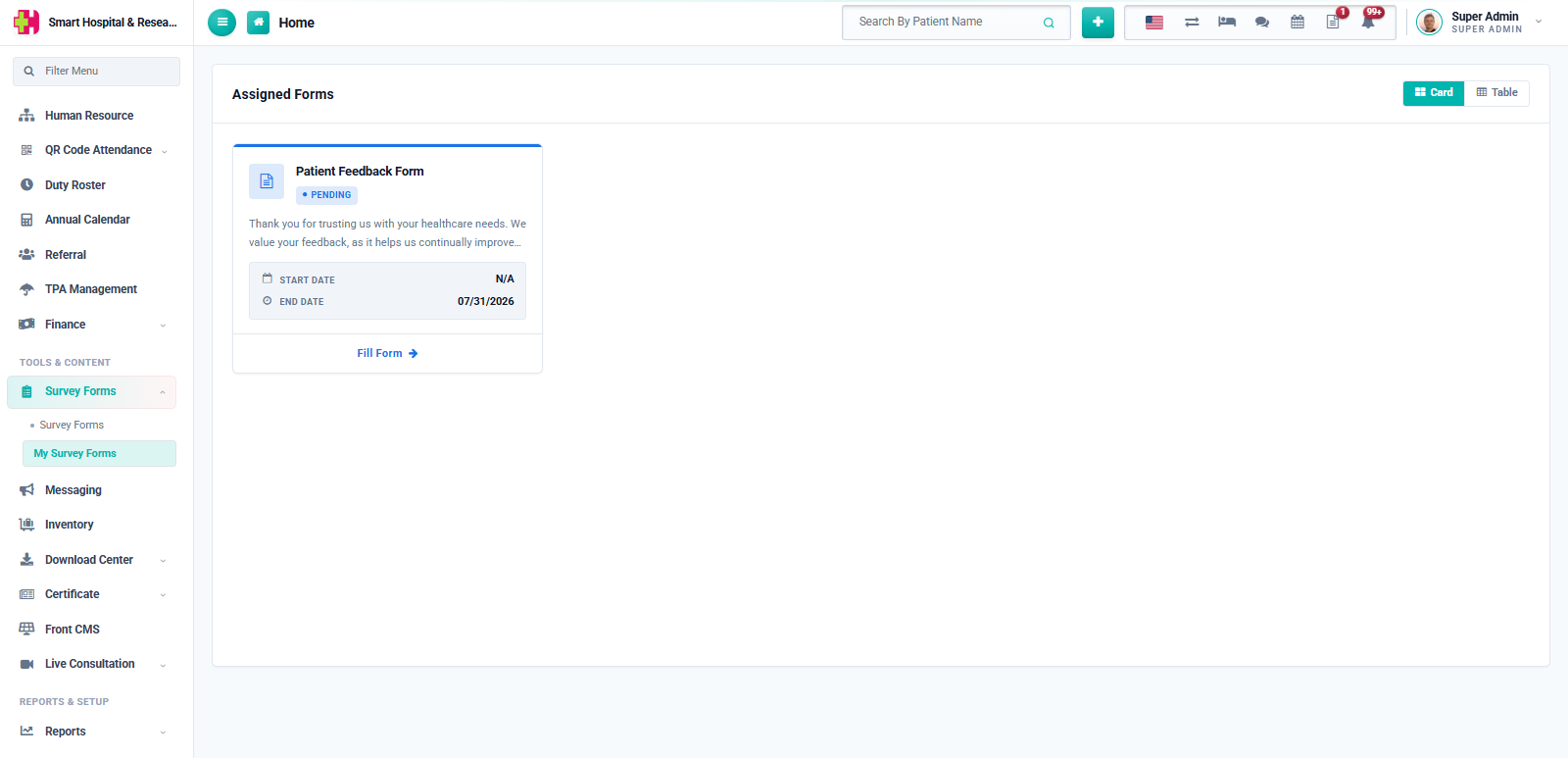
Clicking Fill Form opens the form, deadline shown at the top if an end date was set. All fields are filled in and submitted the same way as any other form.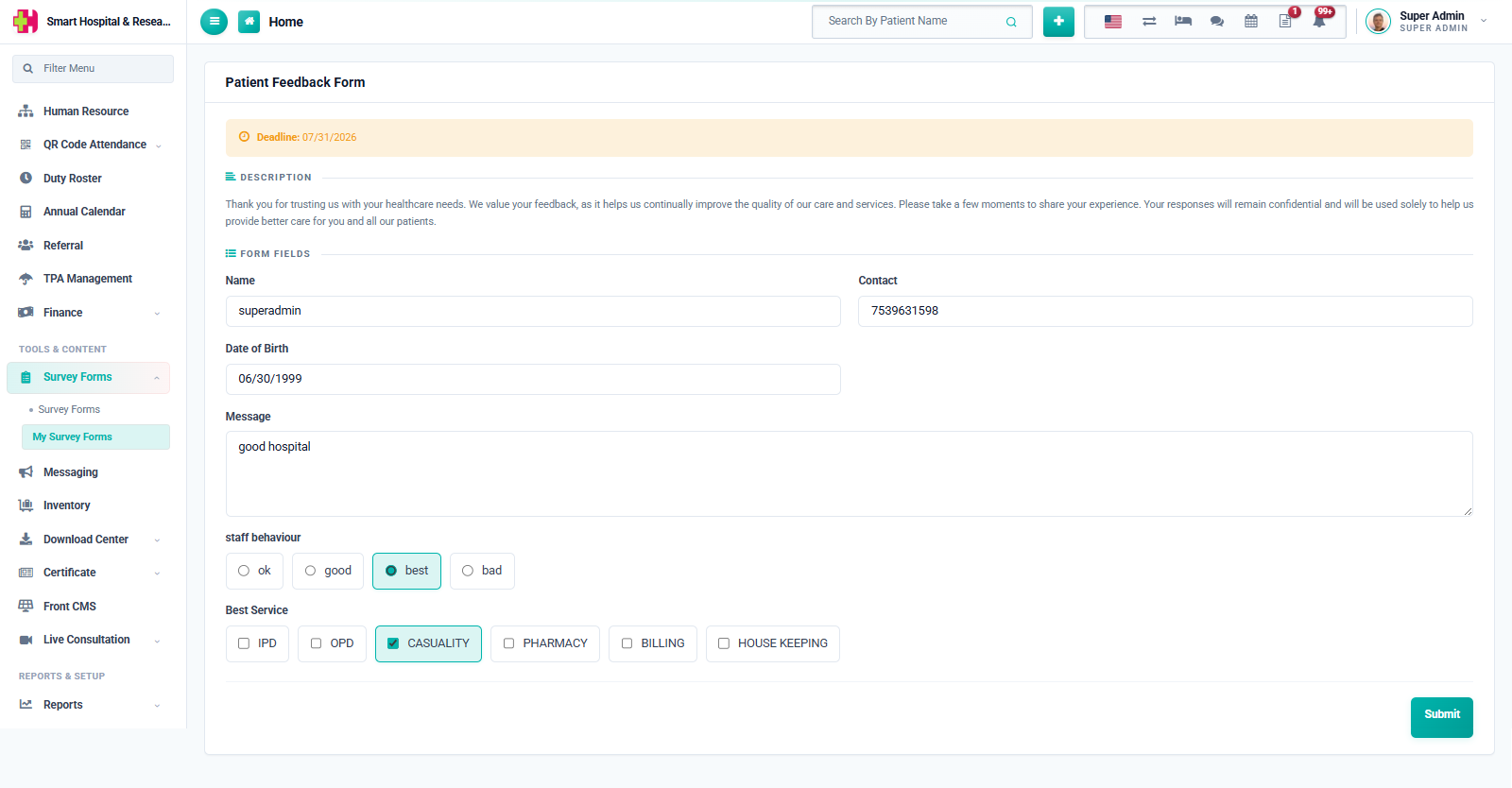
Patient
A patient sees any form assigned to the Patient audience under Survey Forms in the patient portal sidebar, again with a pending count badge.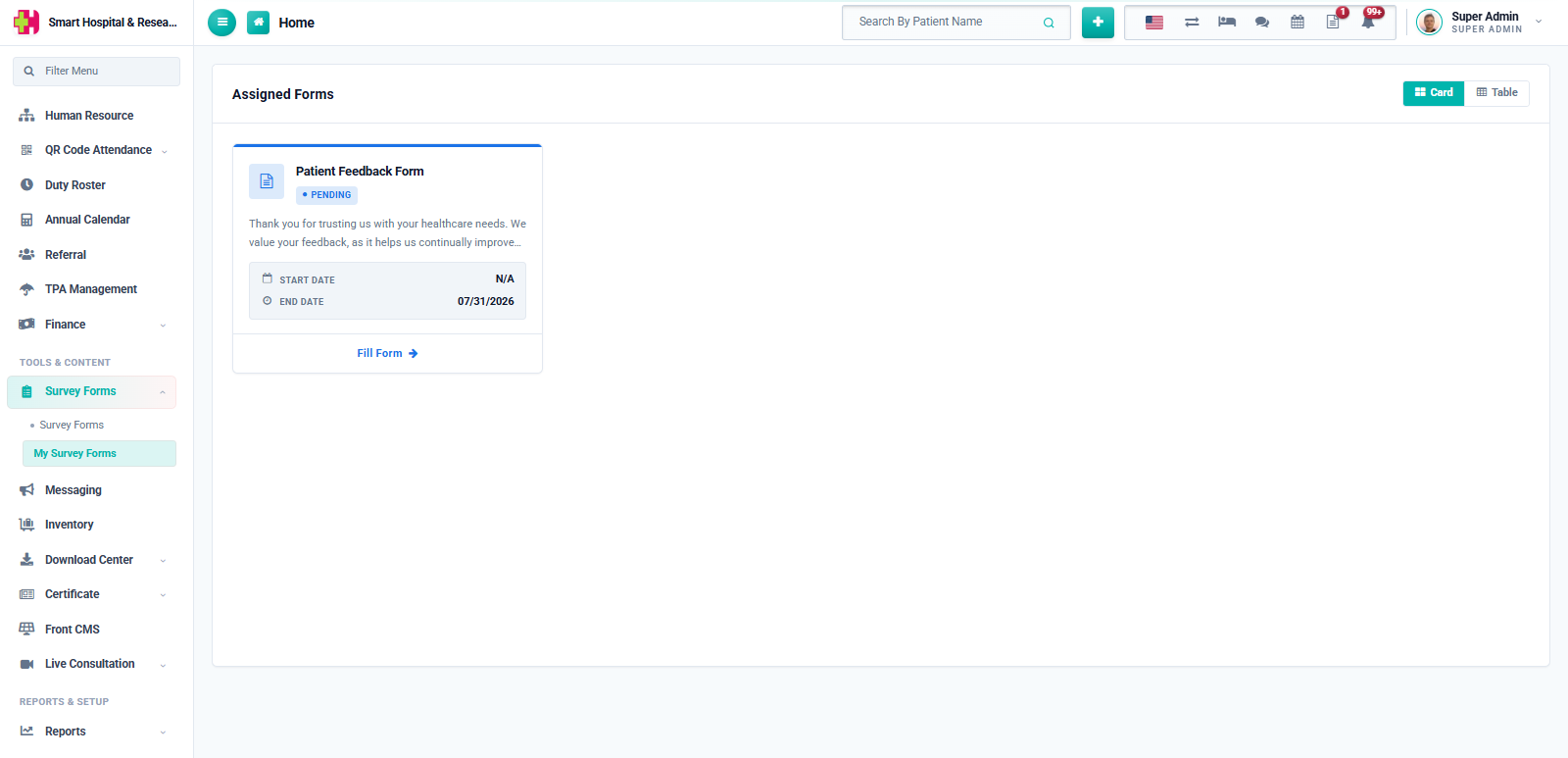
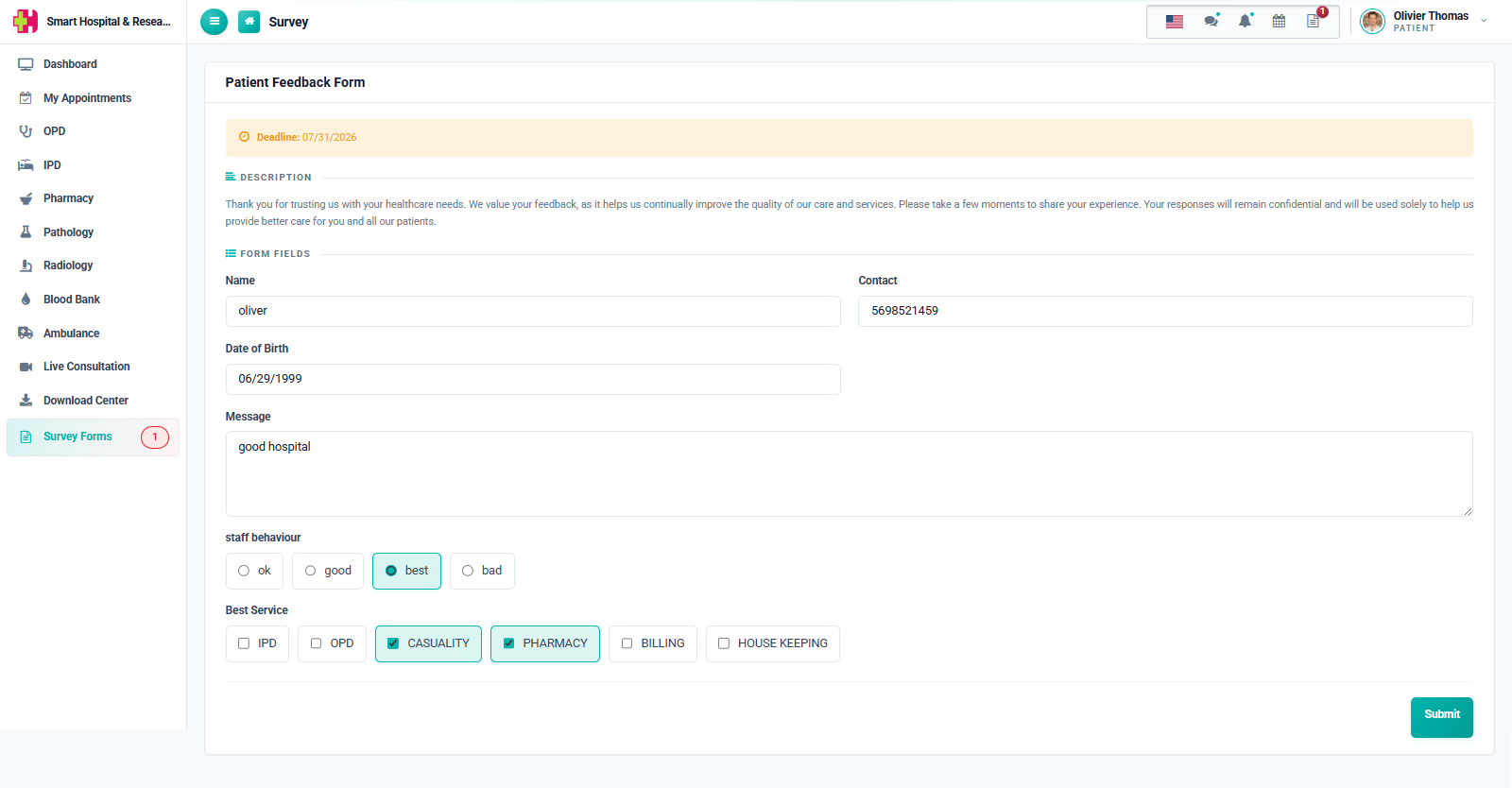
If Allow Edit Response was turned on for the form, both staff and patients can open it again after submitting and their new answers replace the old ones. Otherwise, the form shows a message that it was already submitted.
Public (Front Site)
Anyone can reach a form assigned to the Front Site audience — no login needed — either from the public Survey Forms listing on the hospital website, or by opening the Public Link directly.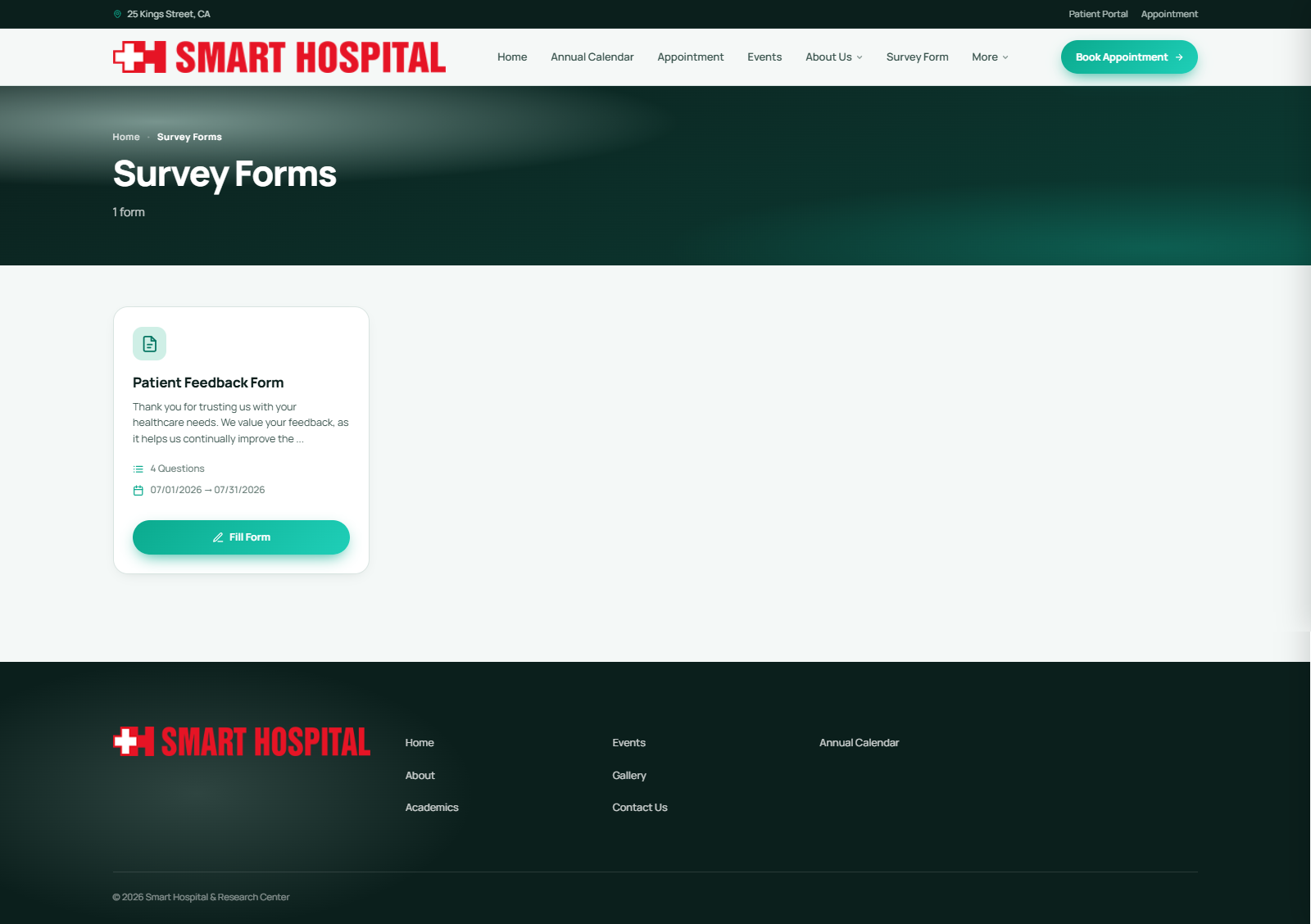
Because there is no login on this side, the public form asks for the visitor's Name and Email under "Submitter Info" before the form's own questions — this is also how the system recognises a duplicate submission from the same person.