Survey Forms module is for building custom forms — feedback forms, satisfaction surveys, intake questionnaires, or any structured data you want to collect — and collecting responses from three different kinds of people, without writing any code.
Every form can be targeted at one or more of these audiences:
- Staff — the form appears under Survey Forms → My Survey Forms in the staff sidebar. Staff must be logged in.
- Patient — the form appears under Survey Forms in the patient portal. The patient must be logged in.
- Front Site — the form is published on the public hospital website with no login required at all, and can also be shared as a direct link or embedded as an iframe on any other page.
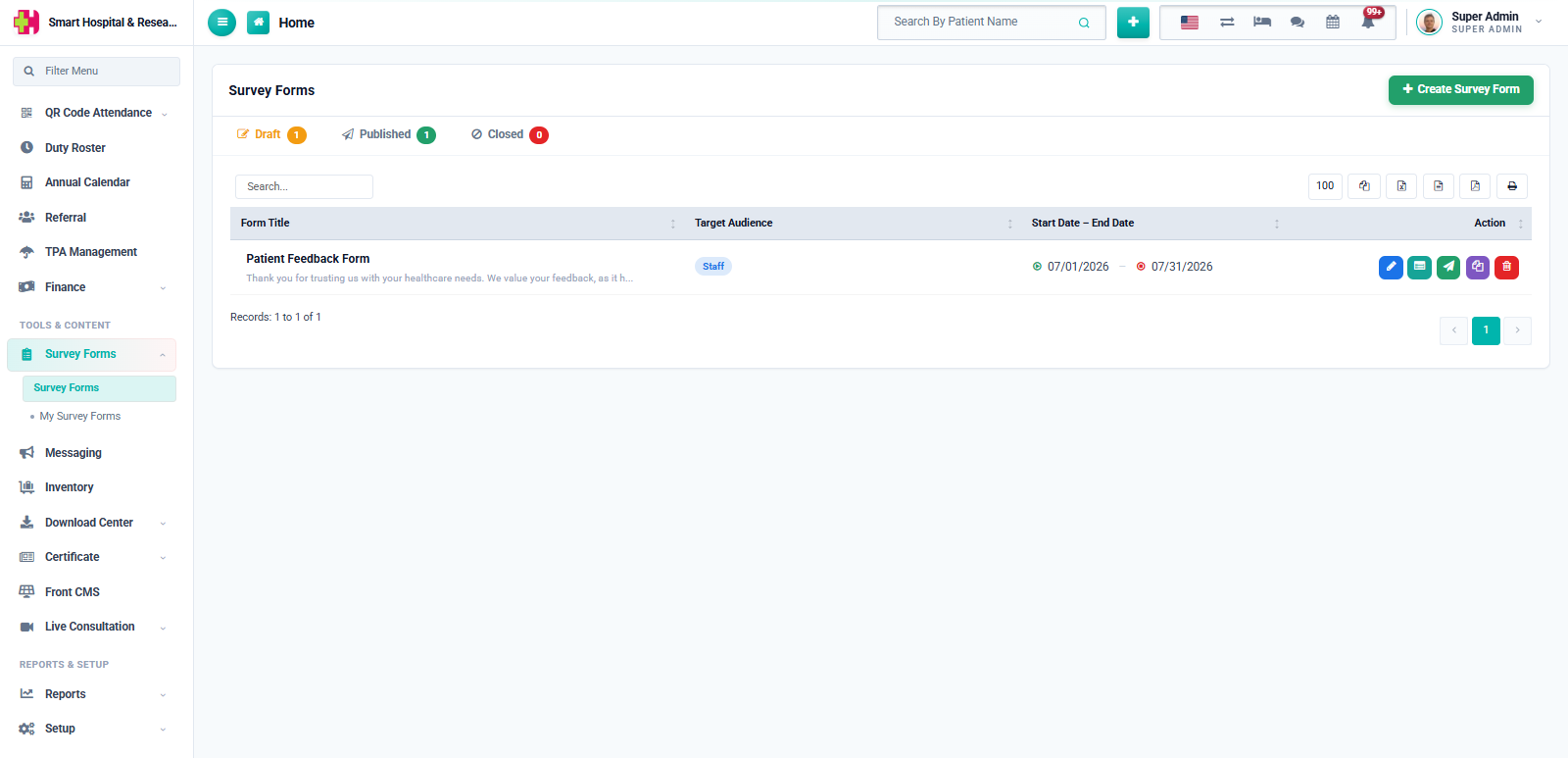
Each form moves through a simple status workflow: it starts as a Draft while you're still building it, becomes Published once it's ready to collect responses, and can be moved to Closed once you're done collecting responses — a closed form stops accepting new submissions but its existing responses and statistics remain visible.
A form cannot be published until it has at least one field added to it.
Once responses start coming in, every form gets its own Submissions dashboard with response statistics, a visual chart, and a detailed view of every individual submission.